INFO
GET /health → 200api-gateway · routine heartbeatOpen source · OpenTelemetry · TypeScript
Score diagnostic value on OpenTelemetry logs before you send them to an expensive reasoning model. Every record stays in your archive. Analysis is recommended only for high-value, uncertain, or protected events.
v0.3.0 · MIT · npm install jevlogs

Sample routing
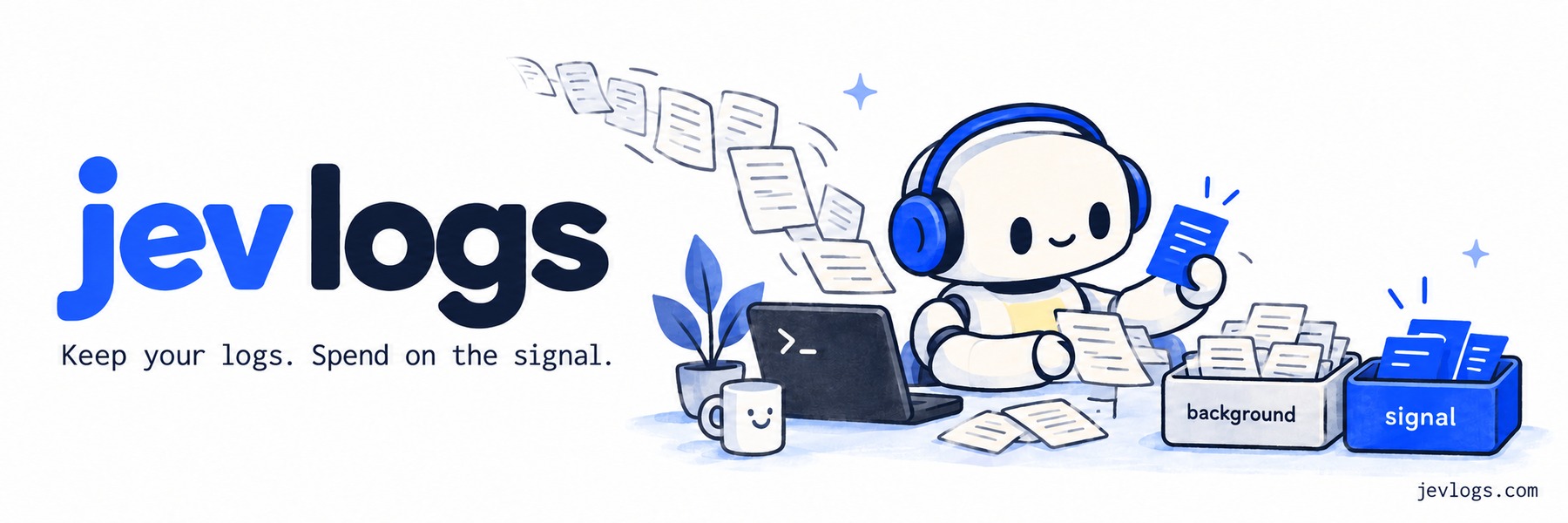
Health checks go to background (keep, skip the analysis model). Failures go to signal (keep, send to analysis). Drag a record or tap a destination. These are the four sample logs from npx jevlogs.

Ready to score diagnostic value.
Incoming logs
GET /health → 200api-gateway · routine heartbeatCache hit: product:482catalog · expected operationPayment capture failedcheckout · protected by severityConnection pool near capacitydatabase · investigate degradationHow it works
Jev Logs wraps the OpenTelemetry log exporter you already use. It attaches a diagnostic-value score, a priority, and a routing recommendation. Your archive exporter is unchanged.
Each log gets a 0-100 diagnostic-value score, a priority, and an actionable probability from TypeSafe's Jev.
A record can skip analysis only when value is 25 or below, priority is low, and actionable probability is below retainBelow. Errors, protected records, and timeouts stay on the analysis path.
Start in annotate mode so every record is exported with jev.* attributes. Use analysis-only mode on a second processor when you are ready to skip low-value LLM calls.
Model price

One request returns choices, rubric scores, and probabilities. A routing decision does not need a generated explanation.
Vercel AI Gateway lists $0.04/M. Billing may differ. Jev is early access. Provider speed numbers are not Jev Logs benchmarks. Typed outputs can still be wrong.TypeSafe announcement
Cost estimate
This uses estimateSavings() from the package. It is an estimate, not a benchmark. Include errors, uncertain decisions, and failures in the fraction still sent to your LLM.
Estimated monthly savings
$1,05187.6% less analysis spendIncludes Jev input and question overhead, plus selected LLM input and output. Excludes storage, ingestion, hosting, retries, discounts, and prompt caching. Assumes equal average log sizes; savings depend on your workload.
Install
Install with npm install jevlogs. npx jevlogs runs the offline demo. Add jevlogs.config.json and run npx jevlogs --live for a local OpenTelemetry receiver. Send OTLP HTTP/JSON, set forwardUrl for your collector, or wrap your existing exporter.
import { JevLogExporter } from 'jevlogs';
import { BatchLogRecordProcessor } from
  '@opentelemetry/sdk-logs';

const processor = new BatchLogRecordProcessor({
  exporter: new JevLogExporter({
    exporter: yourExporter
  })
});
// Every log kept. Value + priority attached.
Node.js 22+ · AI SDK 7.0.105 · OTel SDK Logs 0.222.0
MIT licensed
Independent project. Not affiliated with TypeSafe, Vercel, or OpenTelemetry.